
Workflows that automate, orchestrate, and think.
Build visual workflows where actions, logic, and AI-powered decisions work together — including Agent-to-Agent reasoning helping your team automate processes from start to finish.


Why Pucho Workflows
Pucho Workflows bring intelligence to automation — representing your processes the way your team actually works.
Understands your processes
Not just isolated tasks
Combines actions, logic & AI
For contextual execution
Supports Agent-to-Agent collaboration
Agents collaborate autonomously.
Executes reliably
End-to-end without manual touch
Adapts dynamically
Handles conditions and exceptions
Maintains consistency
Always follows your rules
Automation with
real intelligence behind it
Workflows in pucho combine multiple intelligent layers
Reasoning nodes
Summaries, decisions, validations
Agent-to-Agent chains
Agents build on each other’s outputs.
Human input
Approvals / confirmations where needed
Execution nodes
Actions, triggers, updates
Logic paths
Conditions, loops, branching
A workflow engine that interprets, collaborates &elevates your operations with multi-agent intelligence.
Feature highlights
Every Pucho wokflow includes enterprise-grade capabilities.
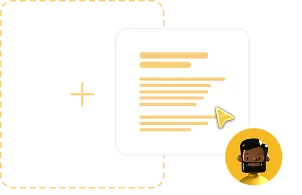
Visual Flow Engine
Build clear, structured workflows using an intuitive drag-and-drop canvas.
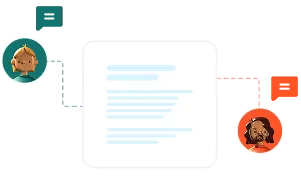
Agent-to-Agent Communication
Agents exchange insights and decisions for higher accuracy.
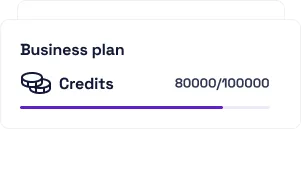
Credit Visibility
Monitor usage and costs clearly across teams and workflows.
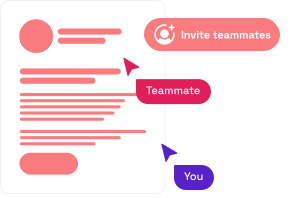
Collaboration
Work together with your team to build, review & improve workflows seamlessly.

Versioning & Logs
Track every execution with full visibility & roll back changes whenever required.
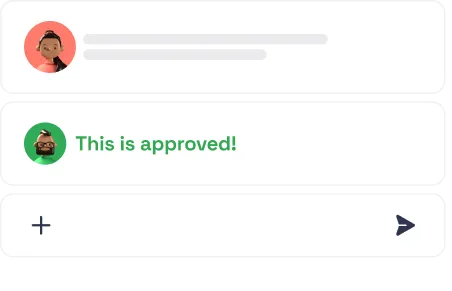
Human-in-the-Loop
Insert review or approval steps to maintain control over critical actions.
Use-case examples
Discover what AI can take off your plate today. From tracking to reporting, agents handle it end-to-end.

Invoice automation workflow
Data extraction → Agent validates → second Agent checks compliance → system updates entries.

Lead pipeline flow
First Agent qualifies leads → second Agent enriches details → CRM updates automatically.

Marketing production flow
Creative Agent drafts → Editing Agent polishes → Approval → auto-publish.

Daily operations digest
Agents collect data, reason over it together, and deliver a concise morning brief.

Recruitment workflow
Screening Agent analyzes CVs → Summary Agent generates candidate insights → ATS updates.

Support triage flow
Classification Agent tags → Response Agent drafts → routing completes automatically.
Ready to build workflows that run themselves?
Sub-heading: Design, automate, and orchestrate your operations with tools, logic, and multi-Agent intelligence all in one platform.