
Automate your trade and retail operations with Pucho
Streamline sales, inventory, billing, and customer engagement with Pucho workflows so your retail operations run faster and stay in sync.


Manual retail processes raise operational costs by 30 percent
Pucho connects sales, inventory, billing, and vendor workflows into one unified system that helps retail teams reduce costs.
Fragmented stock visibility
Inventory data is spread across stores, warehouses, and online channels, making it hard to track actual stock levels.
Delayed replenishment actions
Purchase orders and vendor follow ups happen late, leading to stockouts or excess inventory.
Disconnected sales data
POS, online sales, and accounting systems operate separately, slowing reconciliation and decision making.
Slow customer response loops
Order updates, restock notifications, and service queries take longer due to manual coordination between teams.
How Pucho transforms trade and retail operations
Pucho Agents and Workflows reduce operational gaps, connect retail systems, and help teams manage sales and stock with accuracy and control.

Stock availability agent
Monitors real time stock across stores and warehouses and flags risks early.

Auto reorder agent
Triggers purchase orders based on sales velocity, stock rules, and supplier lead times.

POS to accounts sync agent
Posts daily POS sales and returns into accounting systems automatically.

Vendor follow up agent
Tracks pending purchase orders, delivery commitments, and escalates delays automatically.

Sales visibility agent
Brings store, online, and marketplace sales into one clear view for tracking performance
Did You Know?
Retail operations with automated workflows can reduce operational costs by over 30 percent.
Automate trade & retail operations in 3 simple steps
Create effective automations for retail workflows using a simple guided setup.
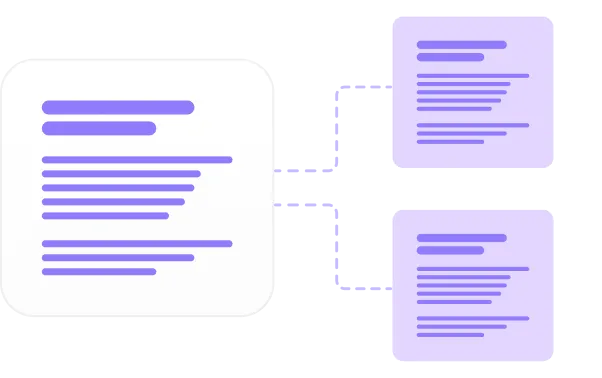
Describe the task
Tell Pucho what to automate such as stock tracking, sales updates, or daily sales verification.
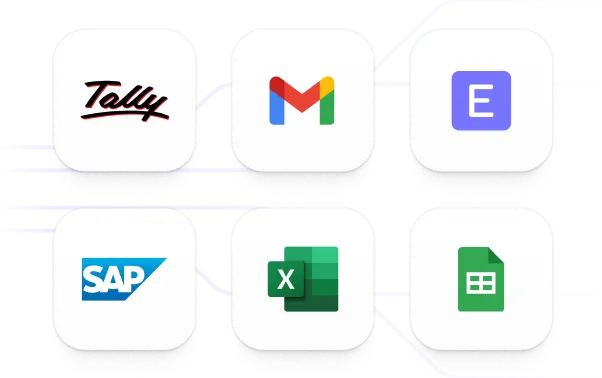
Connect your systems
Connect POS, inventory tools, accounting systems, or spreadsheets.

Launch your automation
Pucho runs the process and keeps everything updated in real time.
Traditional Process vs. Pucho Automation
See how trade & retail workflows change when you move from manual methods to automated Pucho agents and workflows.
Setup Time
Speed
Accuracy
Scalability
Cost Efficiency
Traditional processes
Setup Time
Weeks
Speed
Slow execution
Accuracy
Error prone
Scalability
Limited
Cost Efficiency
Low
Pucho automation
Setup Time
- Minutes
Speed
- Instant
Accuracy
- Highly accurate
Scalability
- Infinite
Cost Efficiency
- High
.
.
.
.
.
Put your trade & retail operations on intelligent autopilot
Pucho AI handles stock movement, sales updates, and system syncing so your teams can focus on running profitable retail operations.