
Automate your construction operations with Pucho
Streamline site progress, contractor billing, and approvals to keep projects moving without delays.


Managing multiple construction sites creates operational gaps
Pucho connects site updates, approvals, billing, and reporting into one unified workflow across projects.
Late site updates
Progress, labour, and material usage reach teams late through calls or WhatsApp.
Disconnected teams
Procurement, accounts, and project teams operate separately, causing frequent follow-ups.
Billing validation delays
Contractor bills are hard to verify against actual work completed on site.
Manual material tracking
Stock usage and wastage are recorded later, making planning and control difficult.
How Pucho simplifies construction operations
Pucho Agents and Workflows bring structure to site reporting, contractor billing, material tracking, and project costs across sites.

Site reporting agent
Collects daily progress, labour counts, and photos from sites into a structured report.

Project coordination agent
Syncs updates between site teams, procurement, and accounts to reduce follow-ups.

Contractor billing agent
Matches work completed with submitted bills to speed up verification and approvals.

Material usage agent
Tracks material consumption and wastage against issued quantities across sites.

Cost monitoring agent
Compiles expense and budget data to highlight overruns early.
Did You Know?
Construction teams using automated site and billing workflows reduce administrative effort by over 35 percent.
Automate construction operations in 3 simple steps
Create effective automations for construction workflows using a simple guided setup.
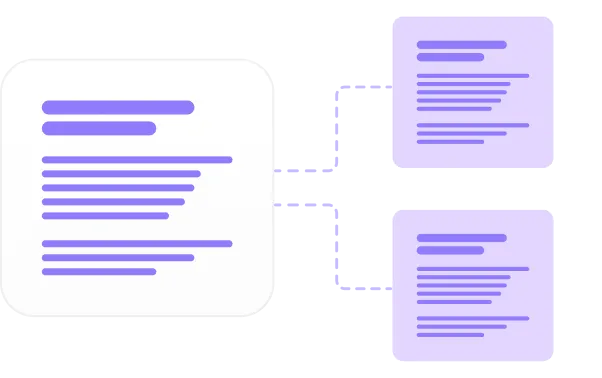
Describe the task
Tell Pucho what to automate such as site reports, contractor billing, etc.

Connect your systems
Connect spreadsheets, ERP, site reporting tools, accounting software, etc.

Launch your automation
Pucho runs the workflow and keeps every update organised in real time.
Traditional Process vs. Pucho Automation
See how construction workflows change when you move from manual methods to automated Pucho agents and workflows.
Setup Time
Speed
Accuracy
Scalability
Cost Efficiency
Traditional processes
Setup Time
Weeks
Speed
Slow execution
Accuracy
Error prone
Scalability
Limited
Cost Efficiency
Low
Pucho automation
Setup Time
- Minutes
Speed
- Instant
Accuracy
- Highly accurate
Scalability
- Infinite
Cost Efficiency
- High
.
.
.
.
.
Put your construction operations on intelligent autopilot
Pucho AI manages site updates, vendor coordination, billing workflows, and reporting so your teams stay focused on execution and delivery.